#105124Labels are misalligned in installation process
Jasmina Ließmann 09/25/24, 16:58 updated 10/15/24, 09:05

Description
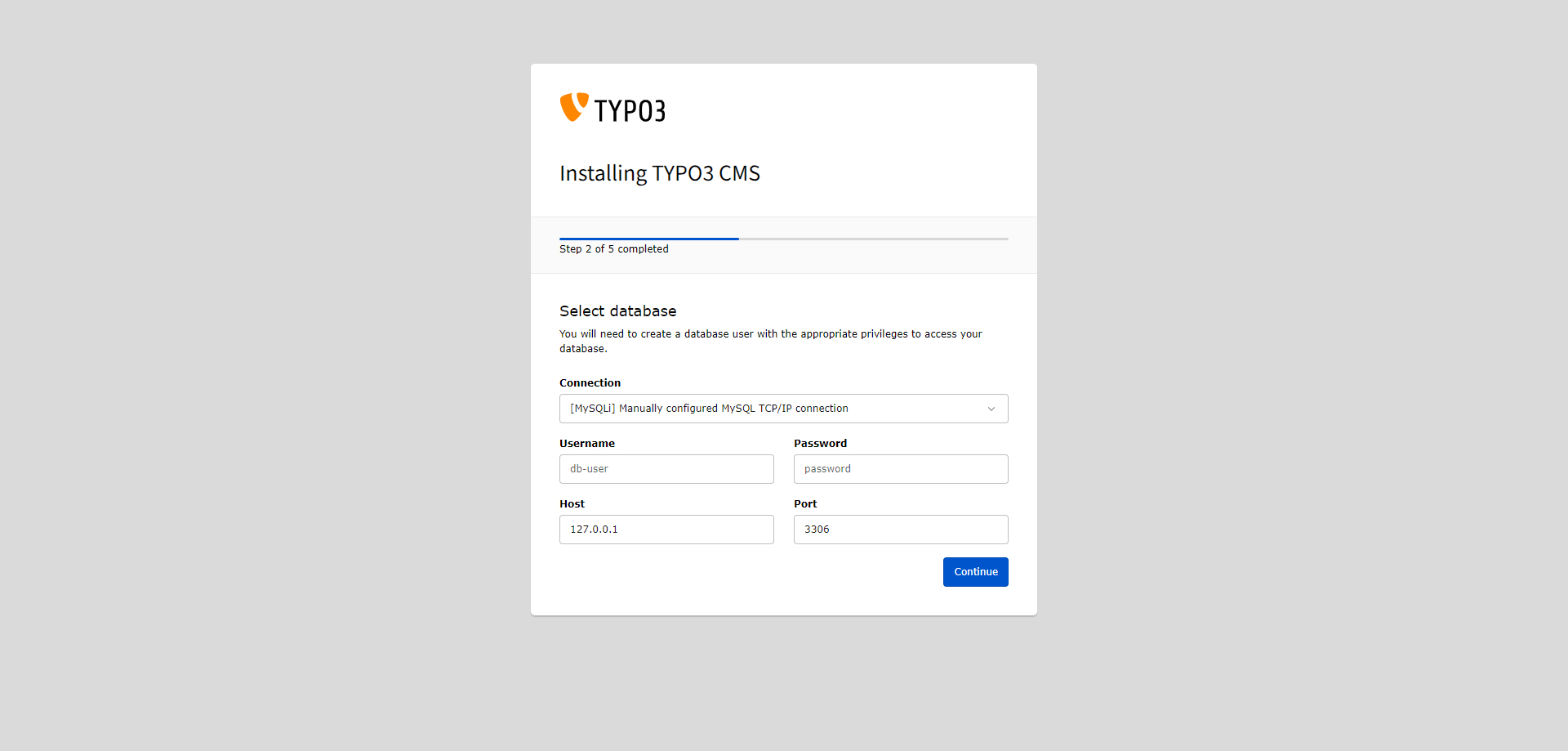
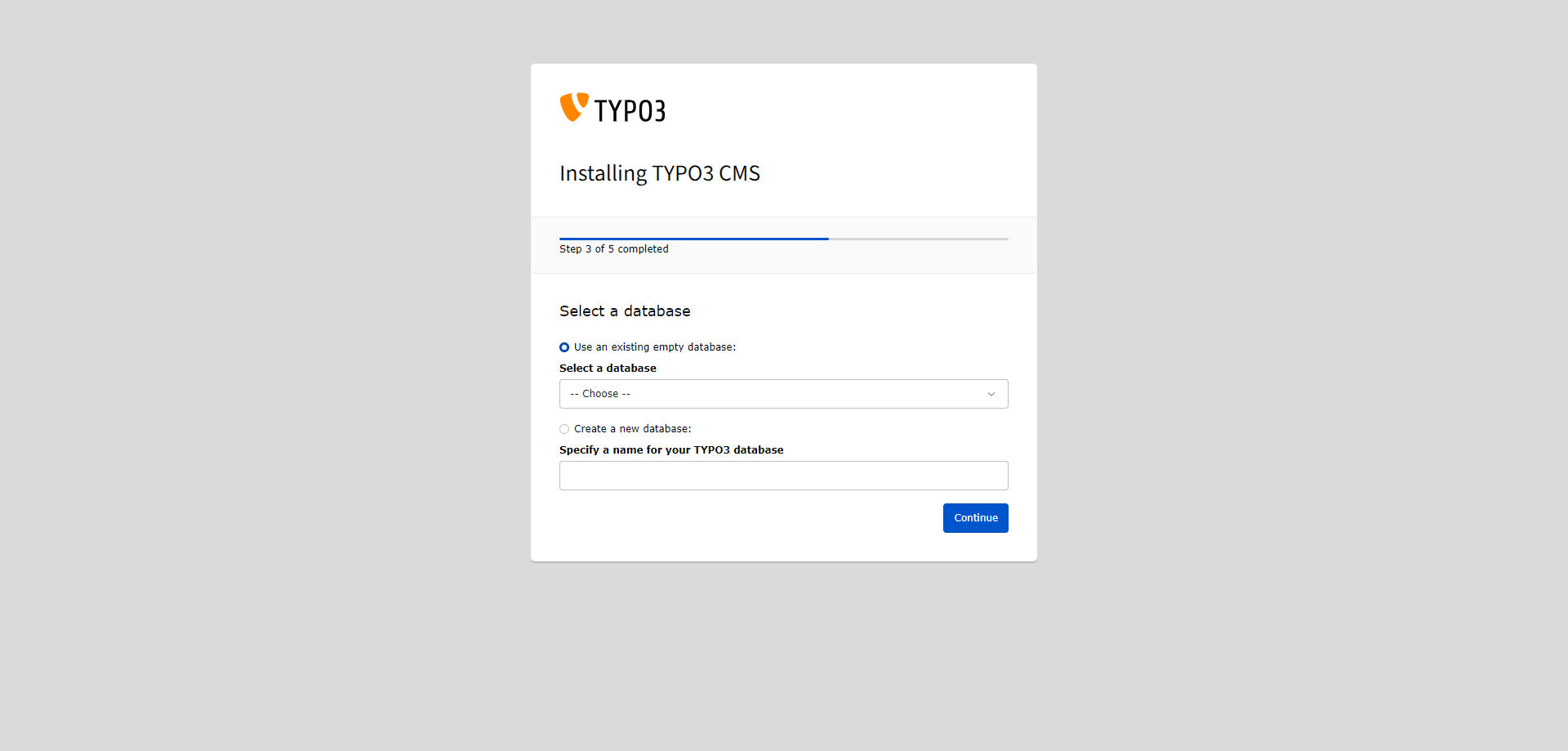
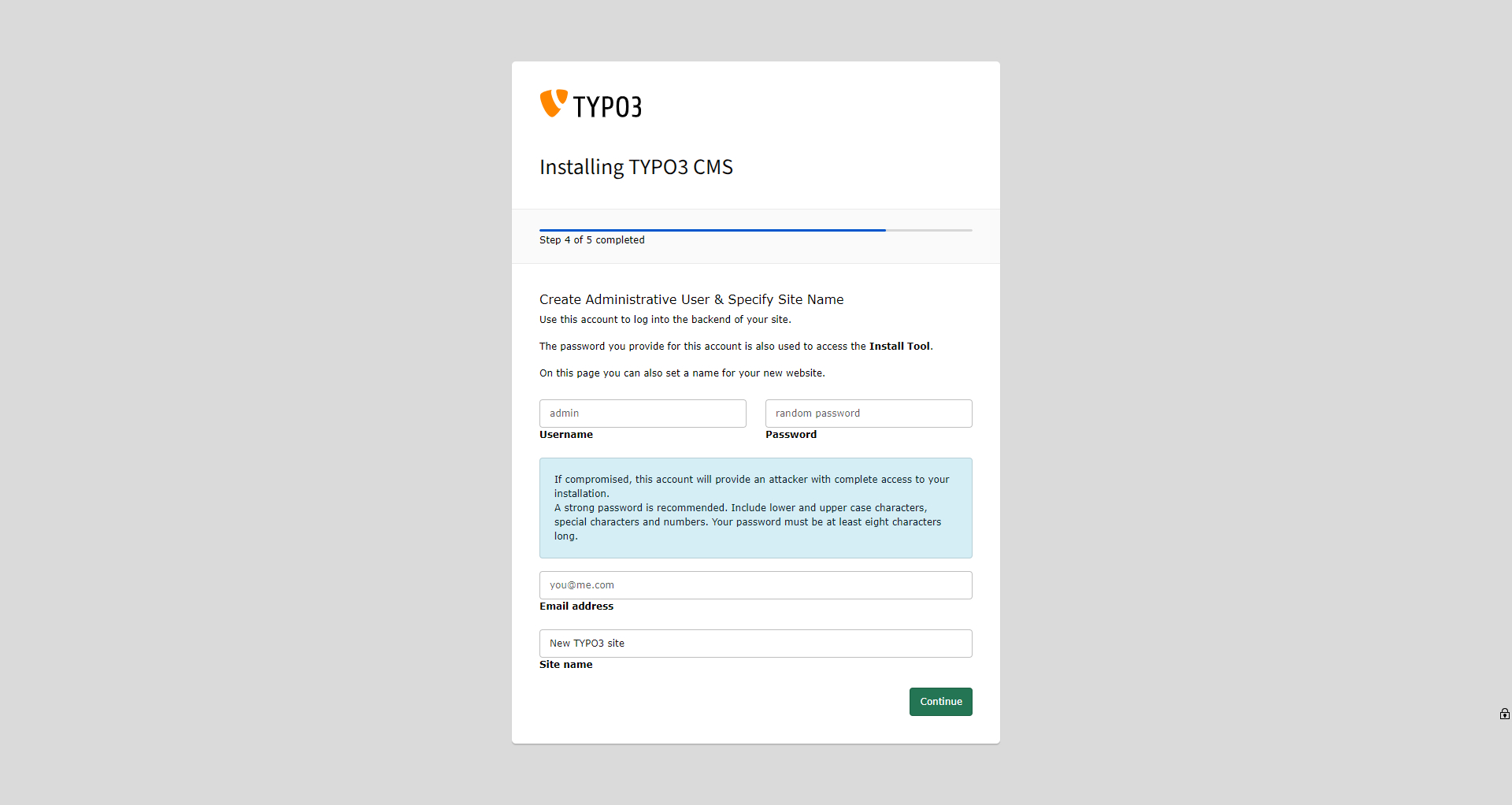
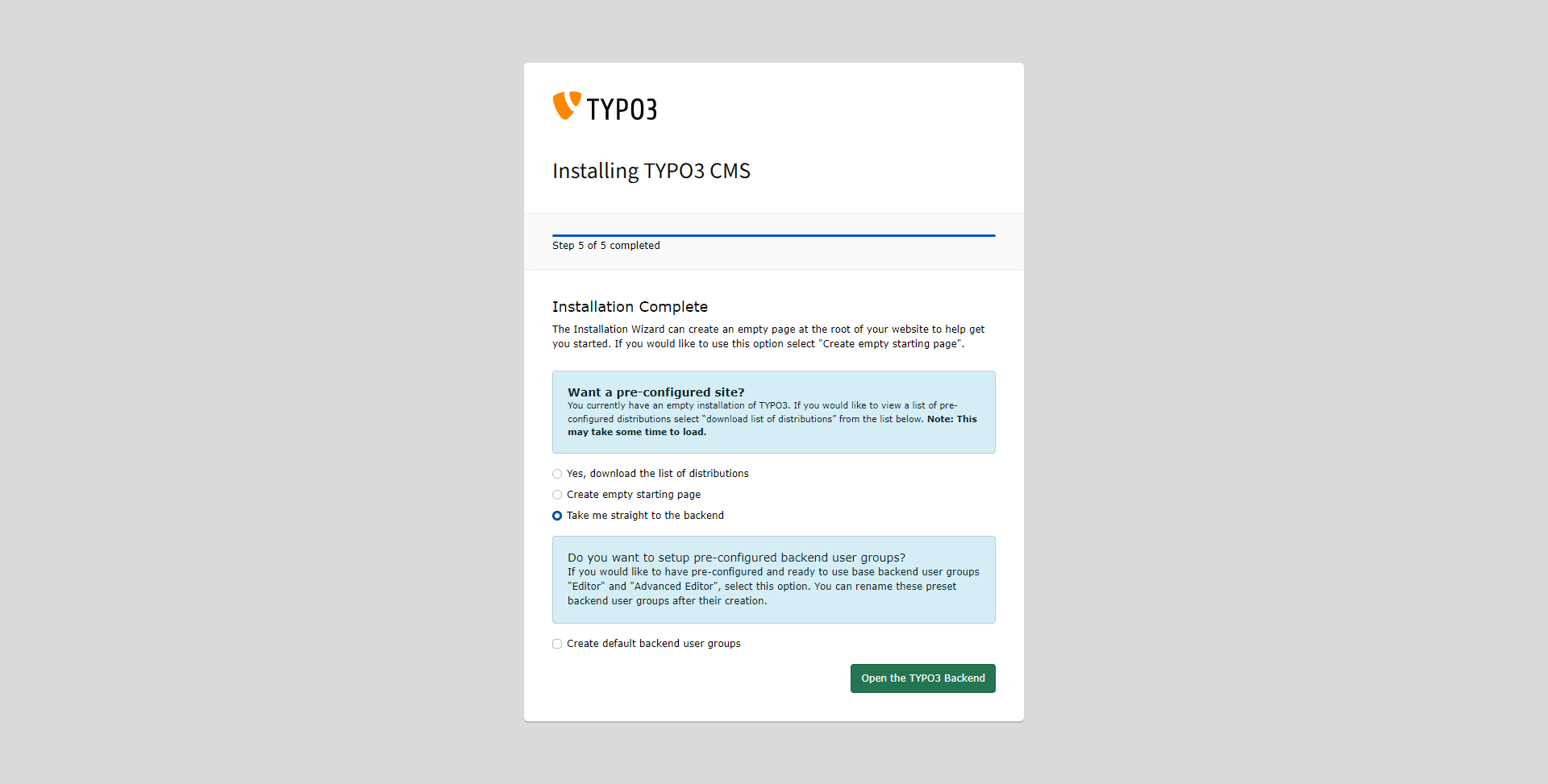
All labels in installation process are placed below the corresponding form fields.
Reviews 1
Files 10
- 02a_step2_before.jpg 140 KB Jasmina Ließmann
- 02b_step2_after.jpg 142 KB Jasmina Ließmann
- 03a_step3_before.jpg 108 KB Jasmina Ließmann
- 03b_step3_after.jpg 115 KB Jasmina Ließmann
- 04a_step4_before.jpg 253 KB Jasmina Ließmann
- 04b_step4_after.jpg 254 KB Jasmina Ließmann
- 05a_step5_before.jpg 219 KB Jasmina Ließmann
- 05b_step5_after.jpg 239 KB Jasmina Ließmann
- 05a_step5_before_no-composer-mode.jpg 305 KB Jasmina Ließmann
- 05b_step5_after_no-composer-mode.jpg 293 KB Jasmina Ließmann





History 34
-
Jasmina Ließmann commented and changed attached 02a_step2_before.jpg attached 02b_step2_after.jpg attached 03a_step3_before.jpg attached 03b_step3_after.jpg attached 04a_step4_before.jpg attached 04b_step4_after.jpg attached 05a_step5_before.jpg attached 05b_step5_after.jpg attached 05a_step5_before_no-composer-mode.jpg attached 05b_step5_after_no-composer-mode.jpg 09/25/24, 17:08
-
Gerrit Code Review pushed patch set 7 for main to change 86271 status
NewUnder Review 09/25/24, 17:16 -
Jasmina Ließmann commented and changed status
Under ReviewResolved done0 %100 % 09/27/24, 09:00Applied in changeset commit:31a8f496dc4aae246634d44ebb81104da41ec1bf.
-
Benni Mack changed status
ResolvedClosed 10/15/24, 09:05


Step 2 “Select database”
Before:
{{thumbnail(02a_step2_before.jpg, size=400)}}
After:
{{thumbnail(02b_step2_after.jpg, size=400)}}
Note: Label has changed in the “after” state to “Connect to database” after taking the screenshot.
—-
Step 3 “Select a database”
Before:
{{thumbnail(03a_step3_before.jpg, size=400)}}
After:
{{thumbnail(03b_step3_after.jpg, size=400)}}
—-
Step 4 “Create administrative user and specify site name”
Before:
{{thumbnail(04a_step4_before.jpg, size=400)}}
After:
{{thumbnail(04b_step4_after.jpg, size=400)}}
—-
Step 5 “Installation complete”
Before:
{{thumbnail(05a_step5_before.jpg, size=400)}}
After:
{{thumbnail(05b_step5_after.jpg, size=400)}}
—-
Step 5 “Installation complete” (non composer mode)
Before:
{{thumbnail(05a_step5_before_no-composer-mode.jpg, size=400)}}
After:
{{thumbnail(05b_step5_after_no-composer-mode.jpg, size=400)}}