#77598Editor without 'Files: Replace' option gets file replace option in the "File exists" modal
Frans Saris 08/23/16, 10:37 updated 10/19/26, 07:23

Description
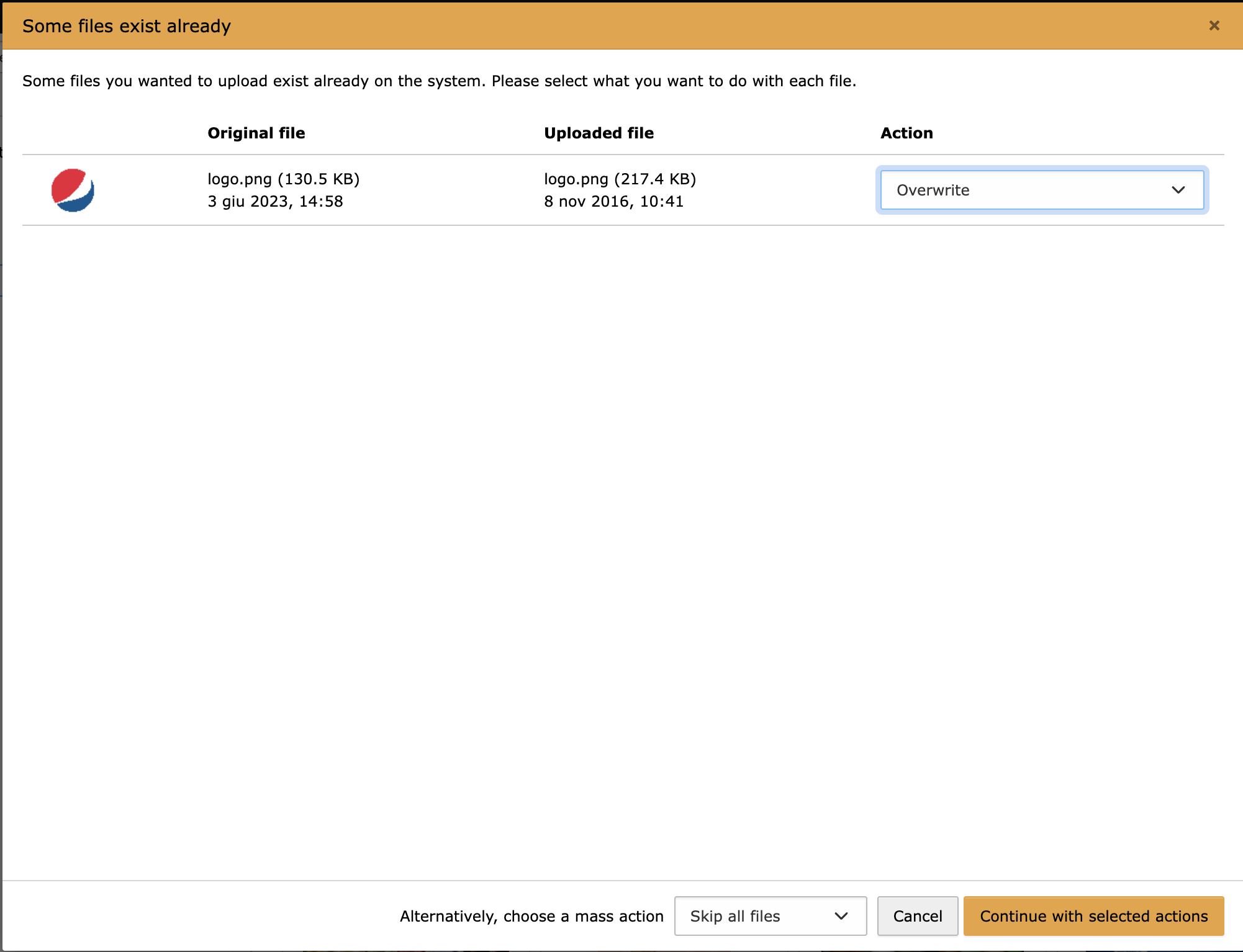
When an editor doesn’t have the permission to replace a file he still gets the option to replace a file in the “File exists” modal that appears when uploading an already existing file.
The upload bar goes to 100% and then it freezes. After page reload you see the flash message that the users isn’t allowed to replace a file
Reviews 1

Files 3
History 34
-
Riccardo De Contardi changed parent task #83669 <span data-processor="relativetime" data-value="2018-01-24T17:27:24+00:00" > 01/24/18, 17:27 </span>
-
Guido Schmechel commented <span data-processor="relativetime" data-value="2018-08-04T08:36:00+00:00" > 08/04/18, 08:36 </span>
-
Riccardo De Contardi commented and changed attached cattura1.png attached cattura3.png attached cattura2.png <span data-processor="relativetime" data-value="2023-06-03T13:20:34+00:00" > 06/03/23, 13:20 </span>
On version 13 there is a regression , AFAICS:
My test
1) Create a usergroup “test” give full access except
[file_permissions]: do not checkFiles: Replace [replaceFile]; give proper permissions to at least a page, mount points
2) Create a user “test” belonging to group “test“
3) Switch user > “test“
4) Filelist module > Upload a file e.g. “logo.png” > OK
5) Try to upload a file with the same name
6) Select “overwrite” on the modal window7) Continue with the action
Result:
The file is actually uploaded, it seems that the permissions are not taken into consideration at all
Test 2
(Steps 1-3 done before)
4) Go to a page accessible for “test” user and create a Content Element (“Text and Image“
5) Add the “logo.png” image, save
6) Click to add another file, on the modal window choose to upload a file with the same name (“logo.png”) on the folder where the other is saved
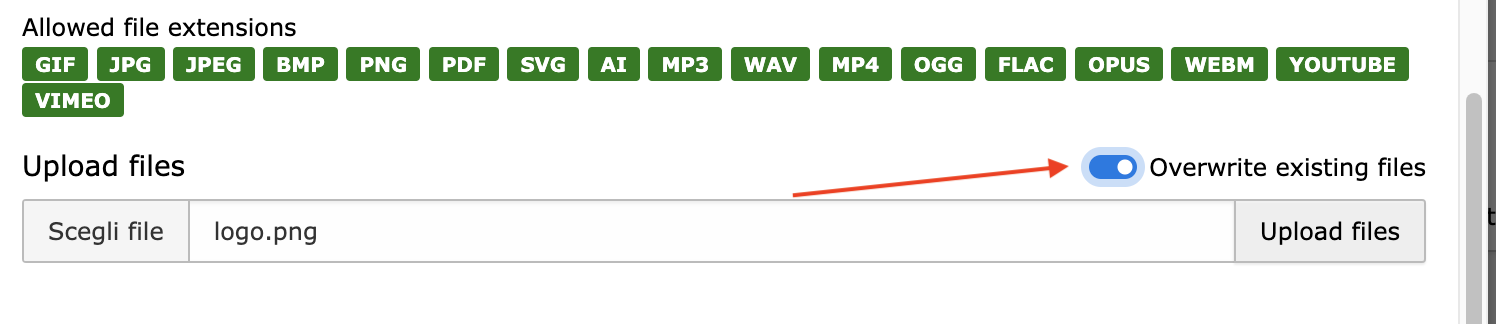
7) mind to flag “overwrite existing file” see screenshot:8) Click on “upload”
Result:
The file is actually uploaded, it seems that
a) The modal shown on cattura1.png is not called (UX inconsistency)
b) the permissions are not taken into consideration at all as on the first test.NOTE
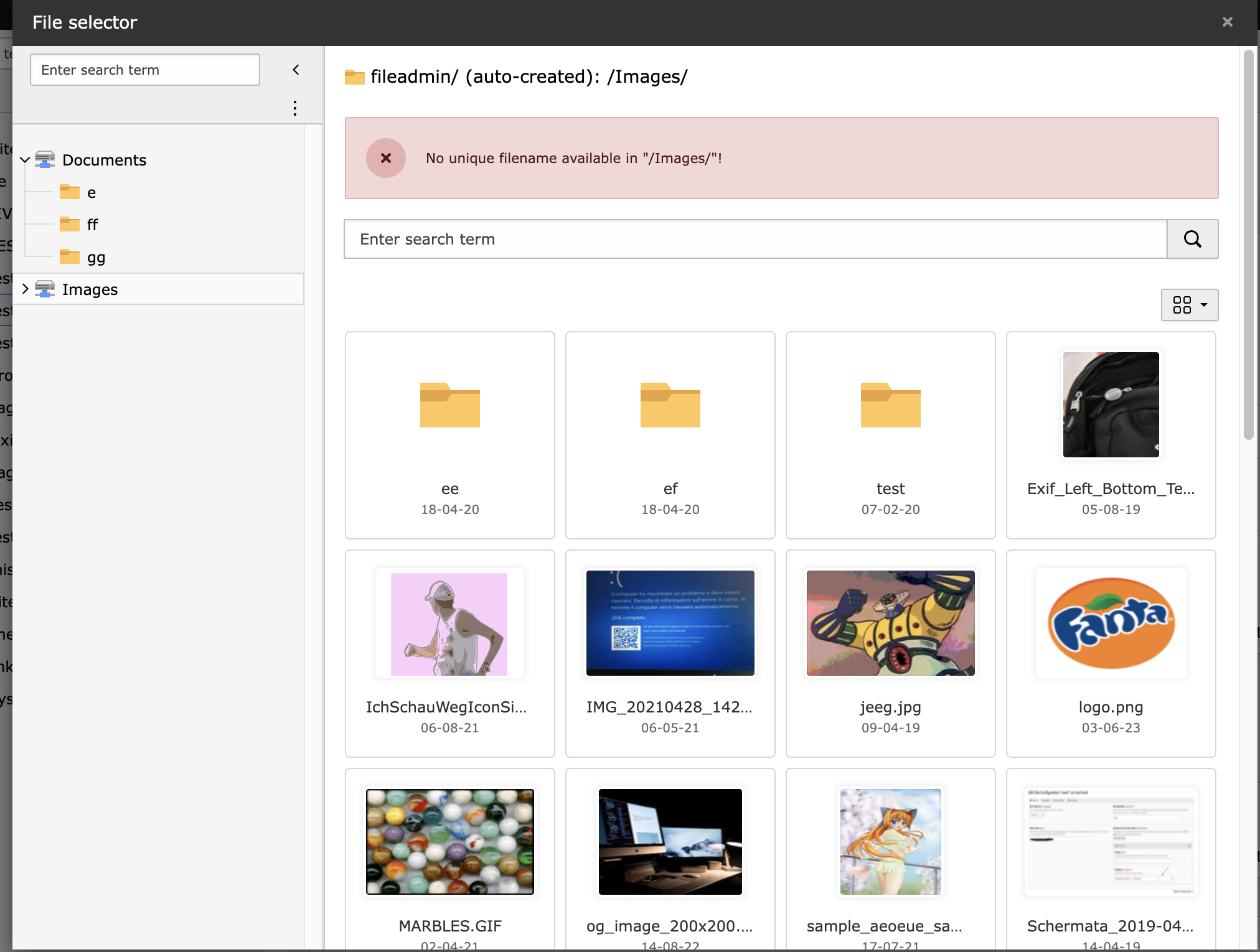
If you repeat “test 2” but don’t check “overwrite existing file” an error is shown:
But the error seems independent from the permissions given (it occurs also with an admin user) – but I don’t understand what it means. Shouldn’t the file be renamed?
-
Gerrit Code Review pushed patch set 1 for main to change 96851 status
NewUnder Review <span data-processor="relativetime" data-value="2026-10-19T07:23:41+00:00" > 10/19/26, 07:23 </span>


State 9.4-dev:
Option “Overwrite” is selectable, backend throws error “You are not allowed to override…” but nothing freezes
Modal is build via TypeScript and there is no permission check for these options.